How to Buy Premium & Remove Ads

Upgrade to Premium to unlock all features and remove all ads

204 views
Sign In
01
Sign In
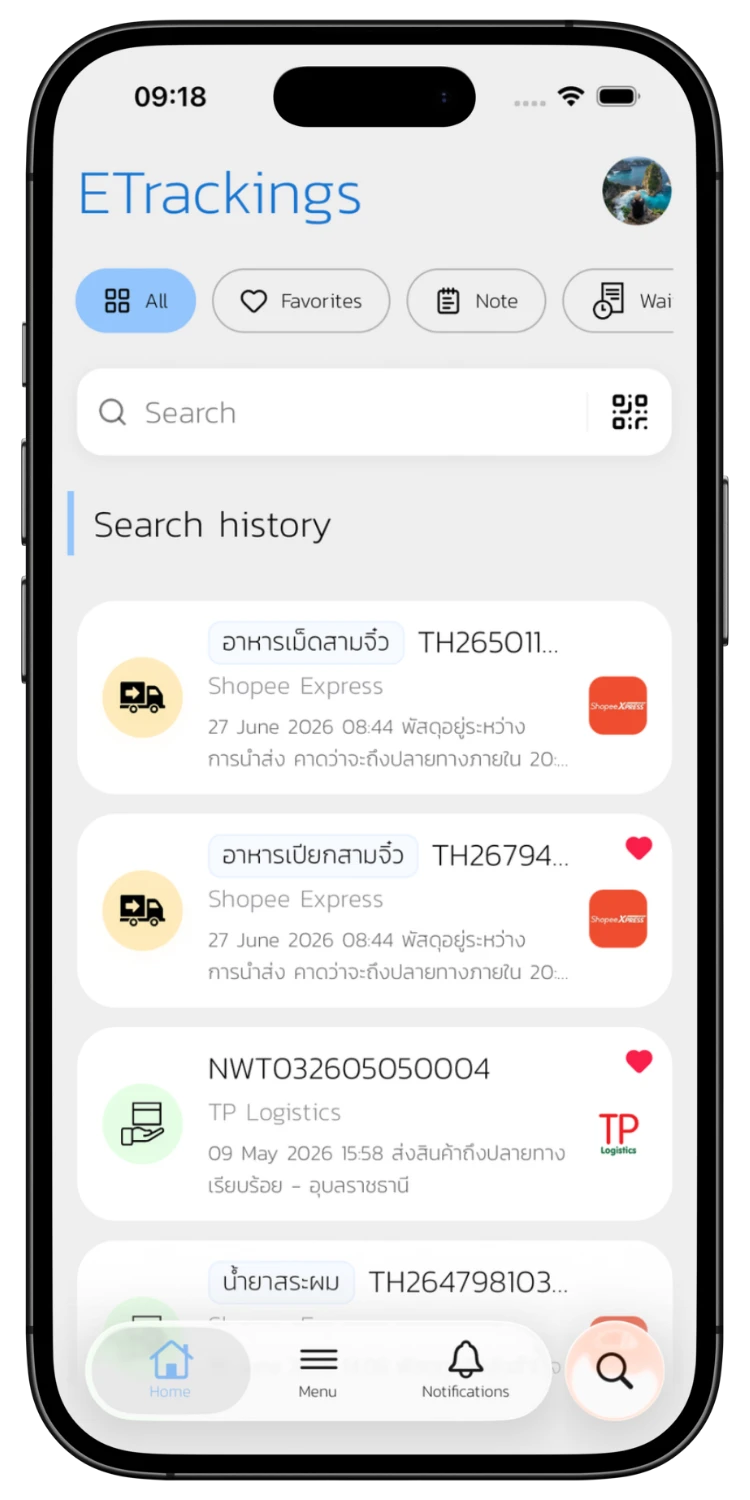
Sign in with Google, LINE, Apple, or Email to access the home screen and all features.
Go to Profile
02
Go to Profile
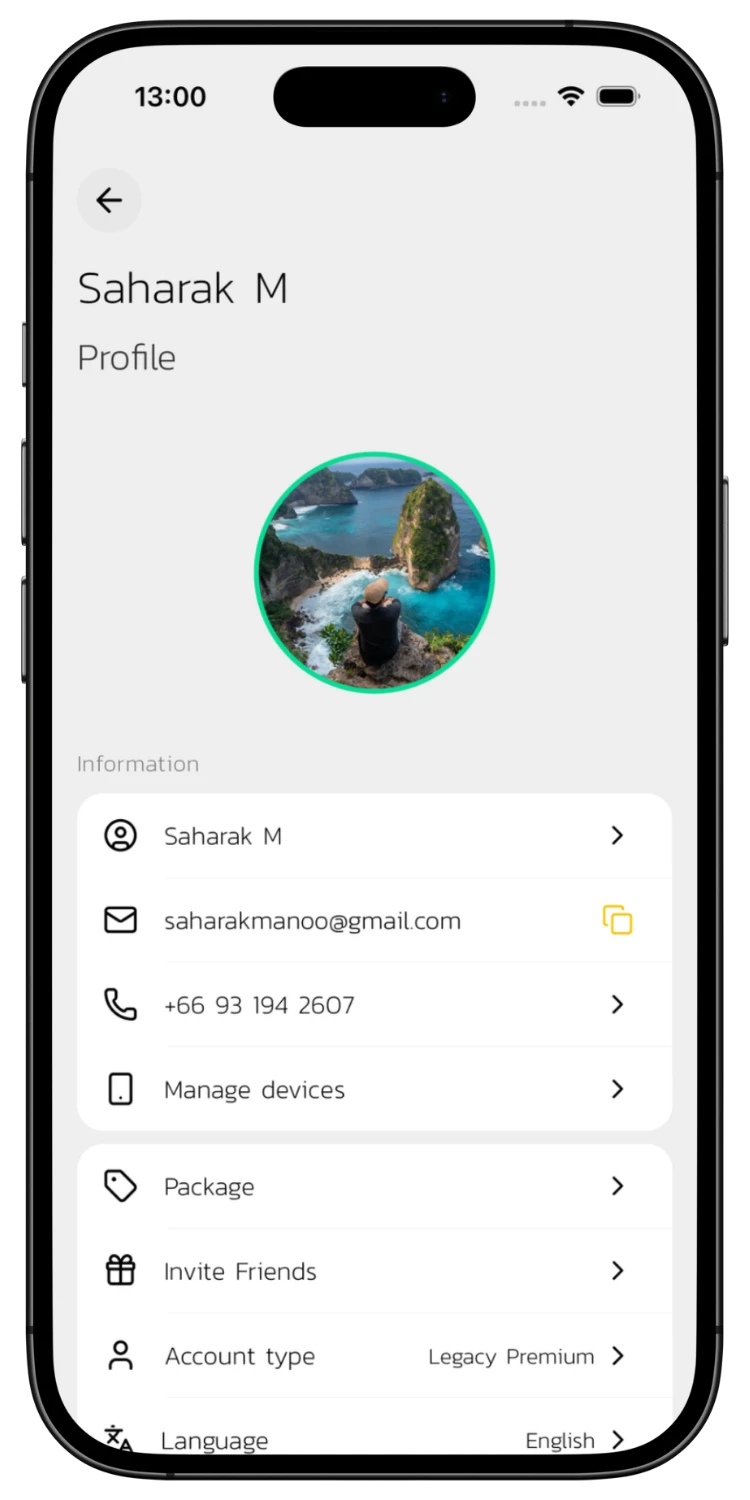
Tap your profile to view account info, account type, and the Package menu for purchasing.
Choose a Package
03
Choose a Package
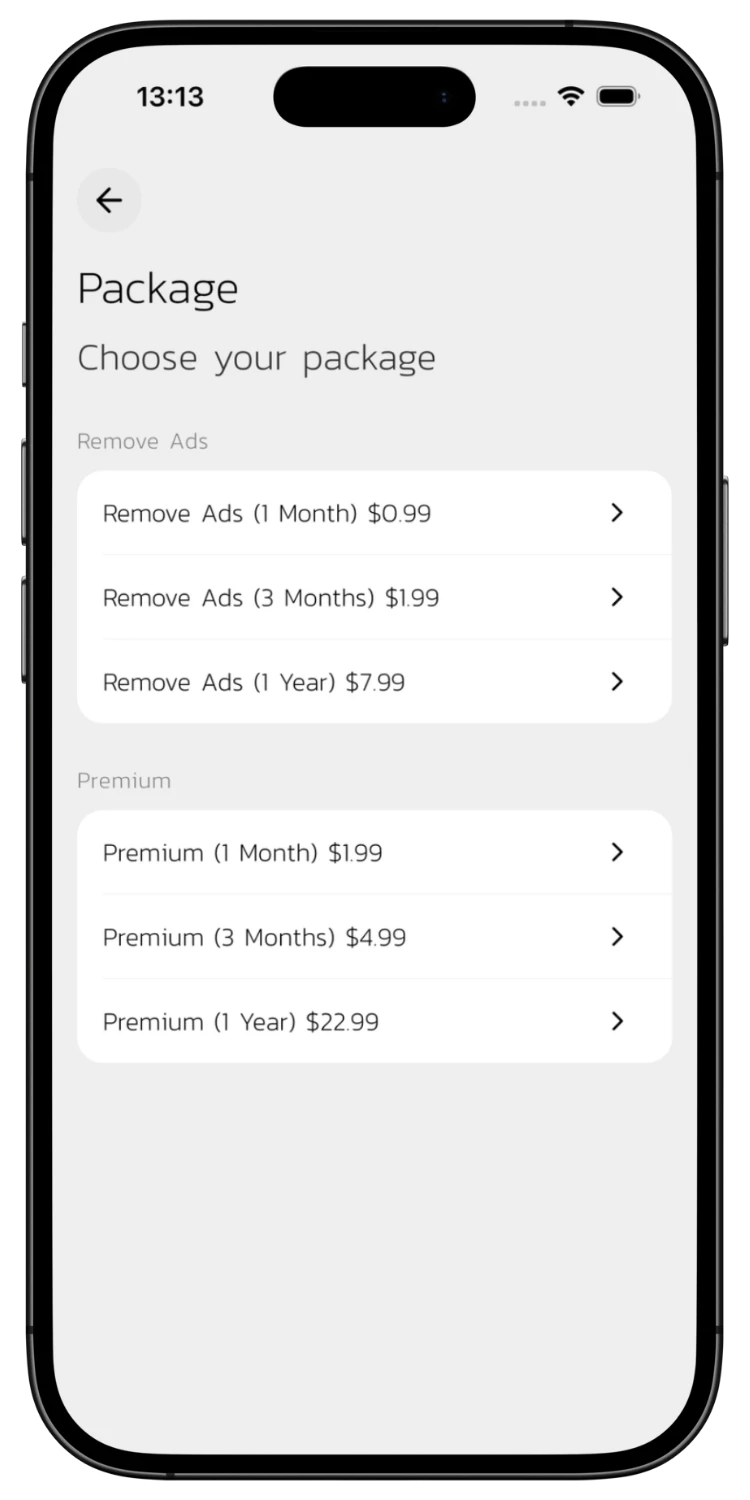
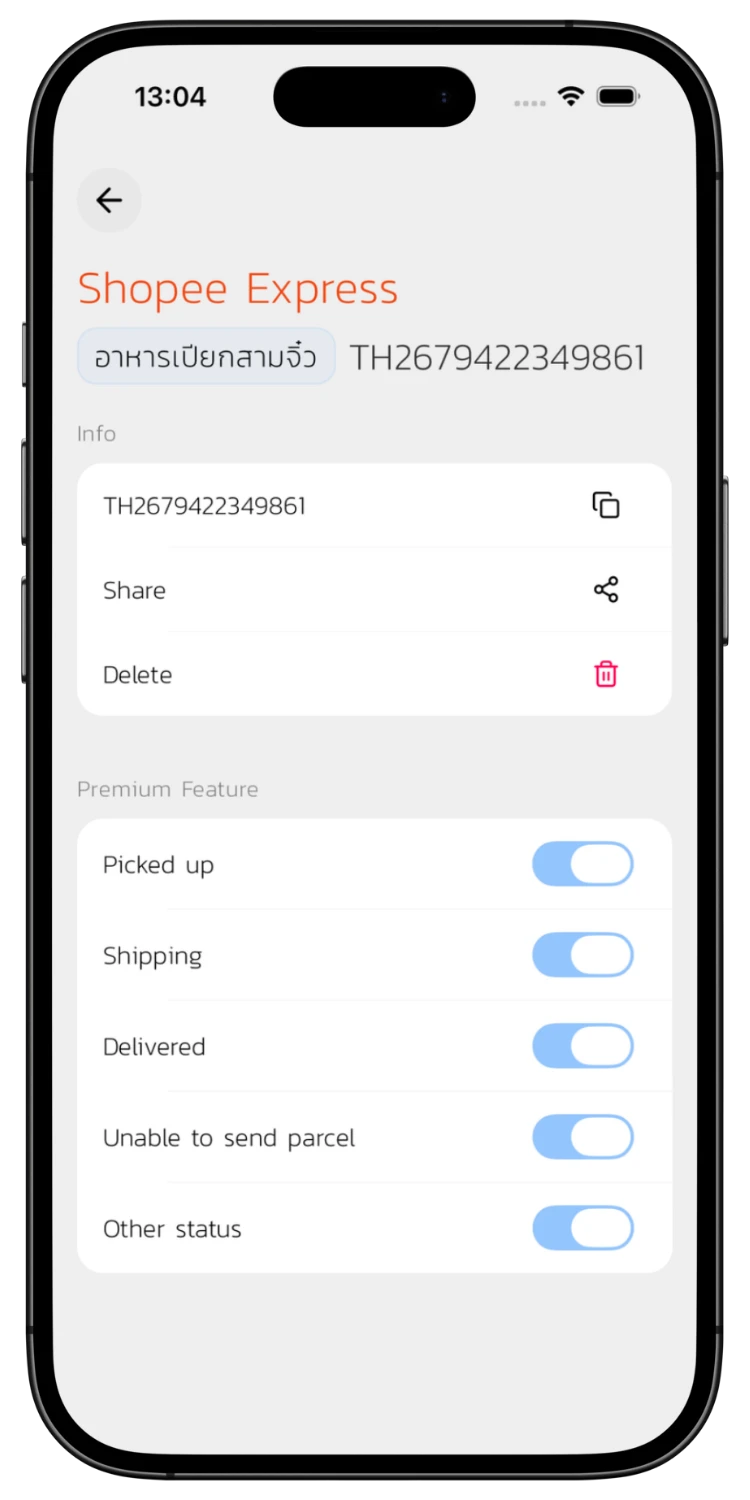
Tap Package and choose from 2 types: Remove Ads (1 month / 3 months / 1 year) or Premium (1 month / 3 months / 1 year) with extra features.
View Premium Details
04
View Premium Details
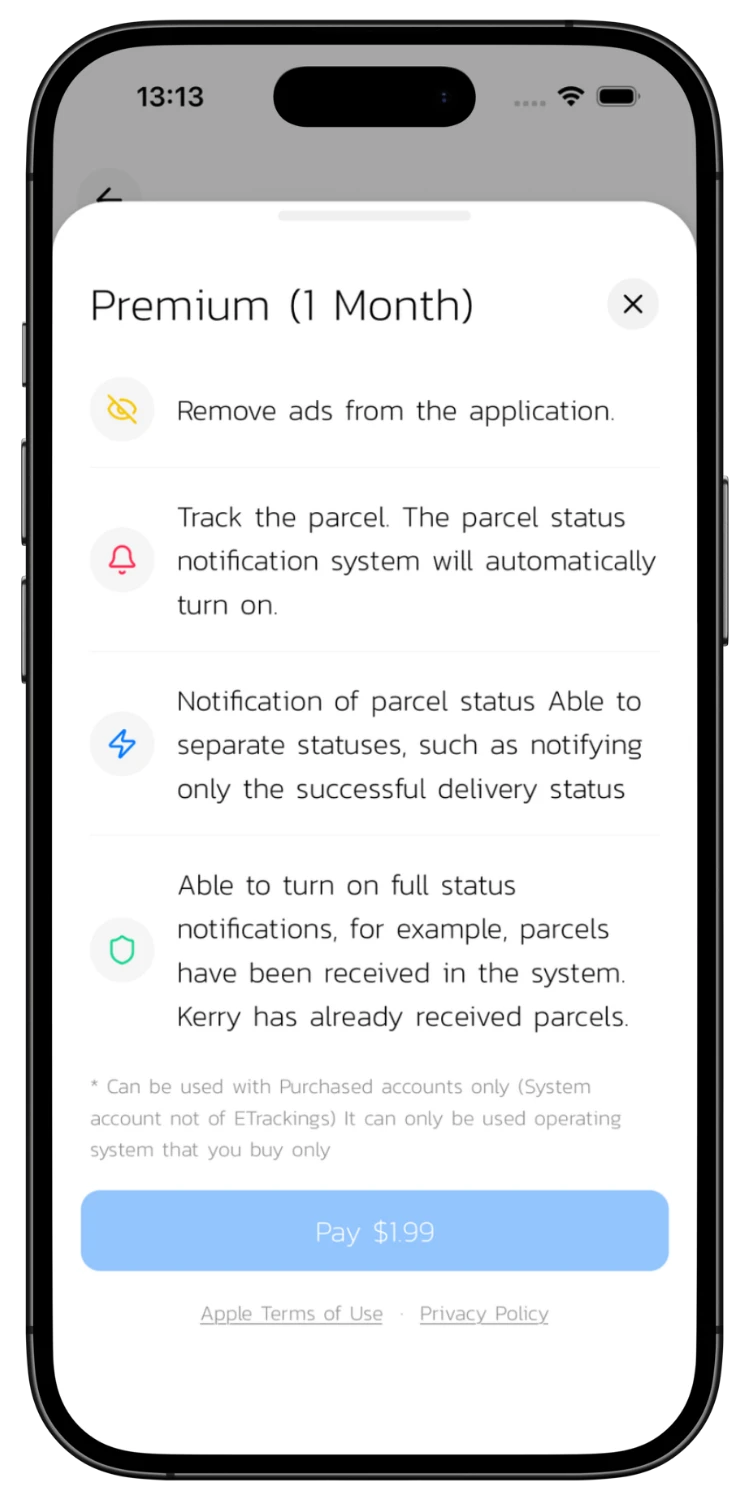
Tap a Premium package to see all benefits: ad removal, auto notifications, per-status notification control, and full status text in notifications.
View Remove Ads Details
05
View Remove Ads Details
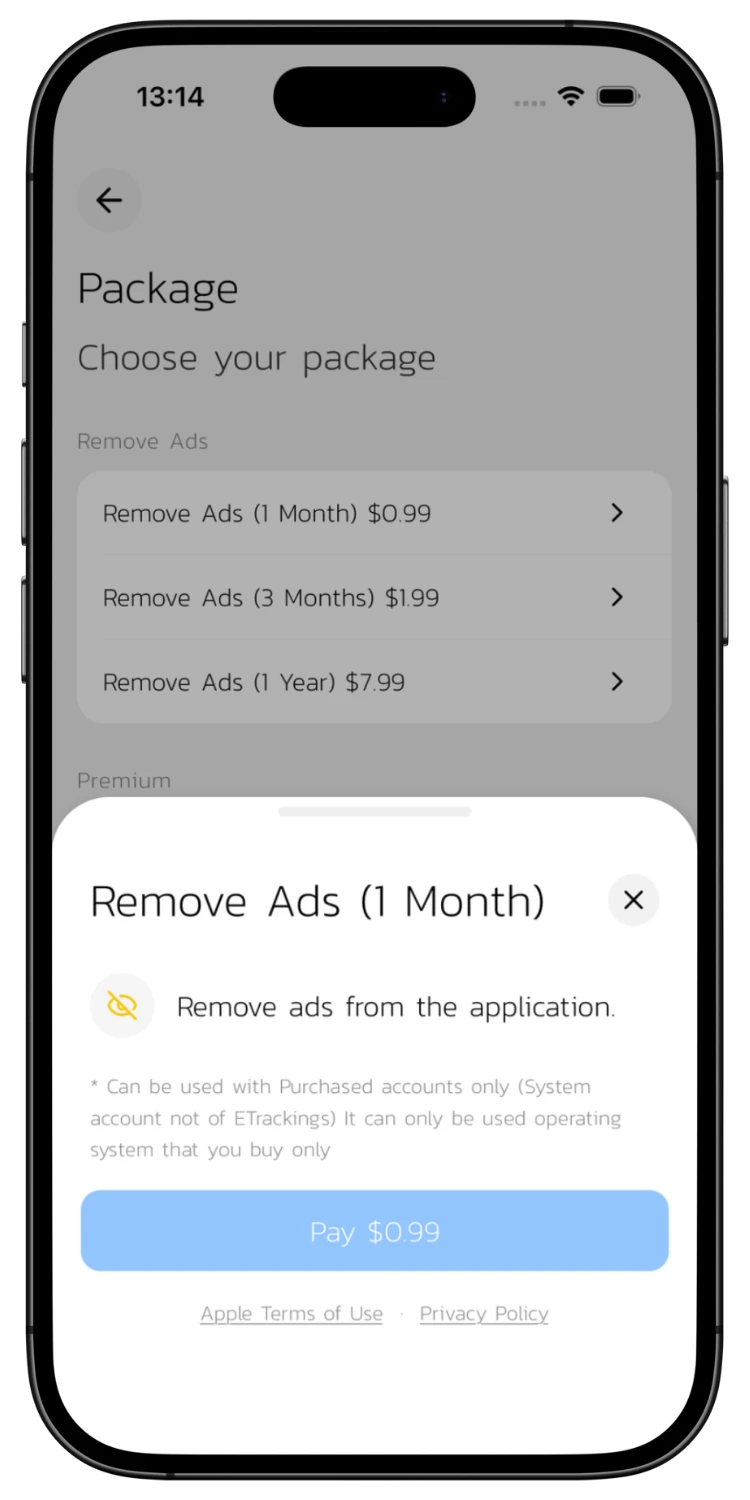
The Remove Ads package removes all ads from the app without the extra Premium features.
Confirm Payment
06
Confirm Payment
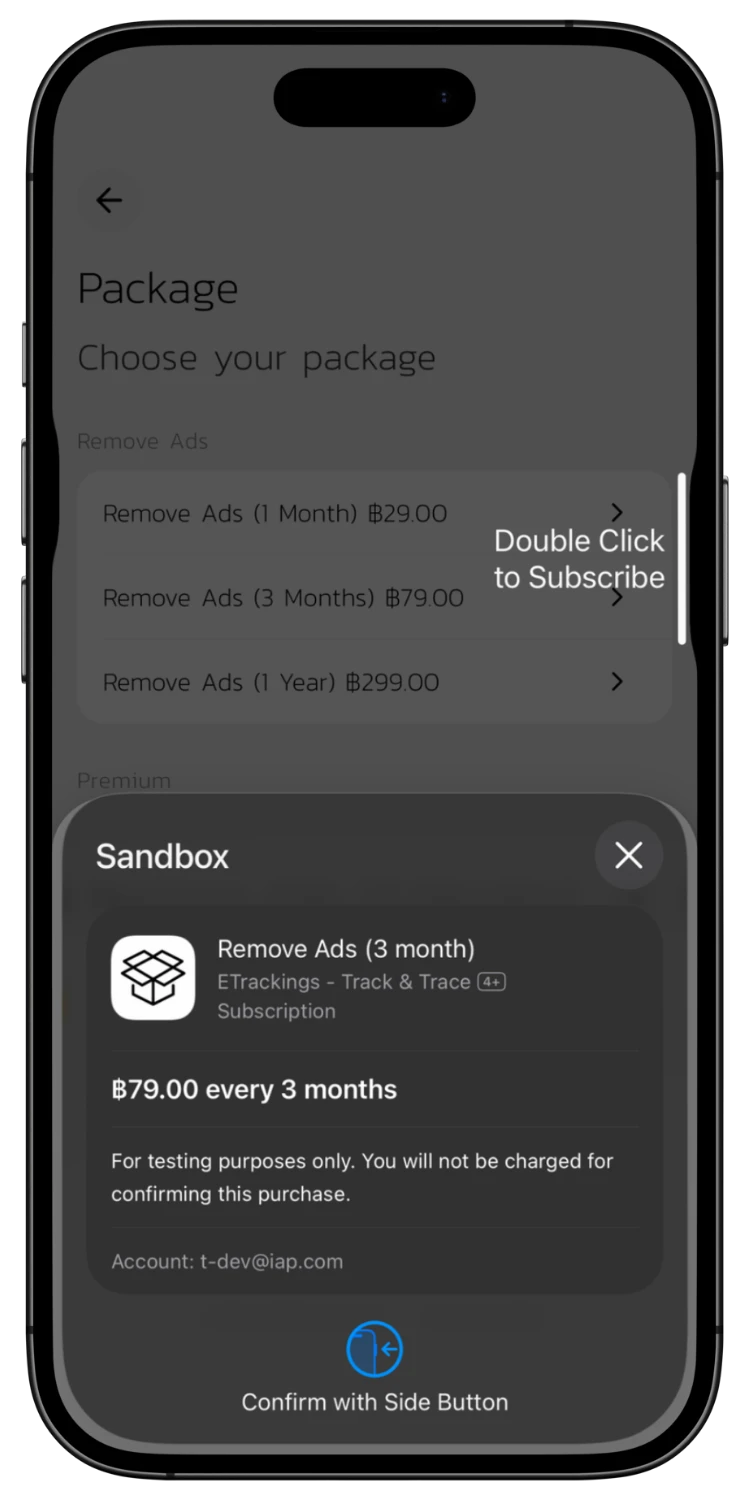
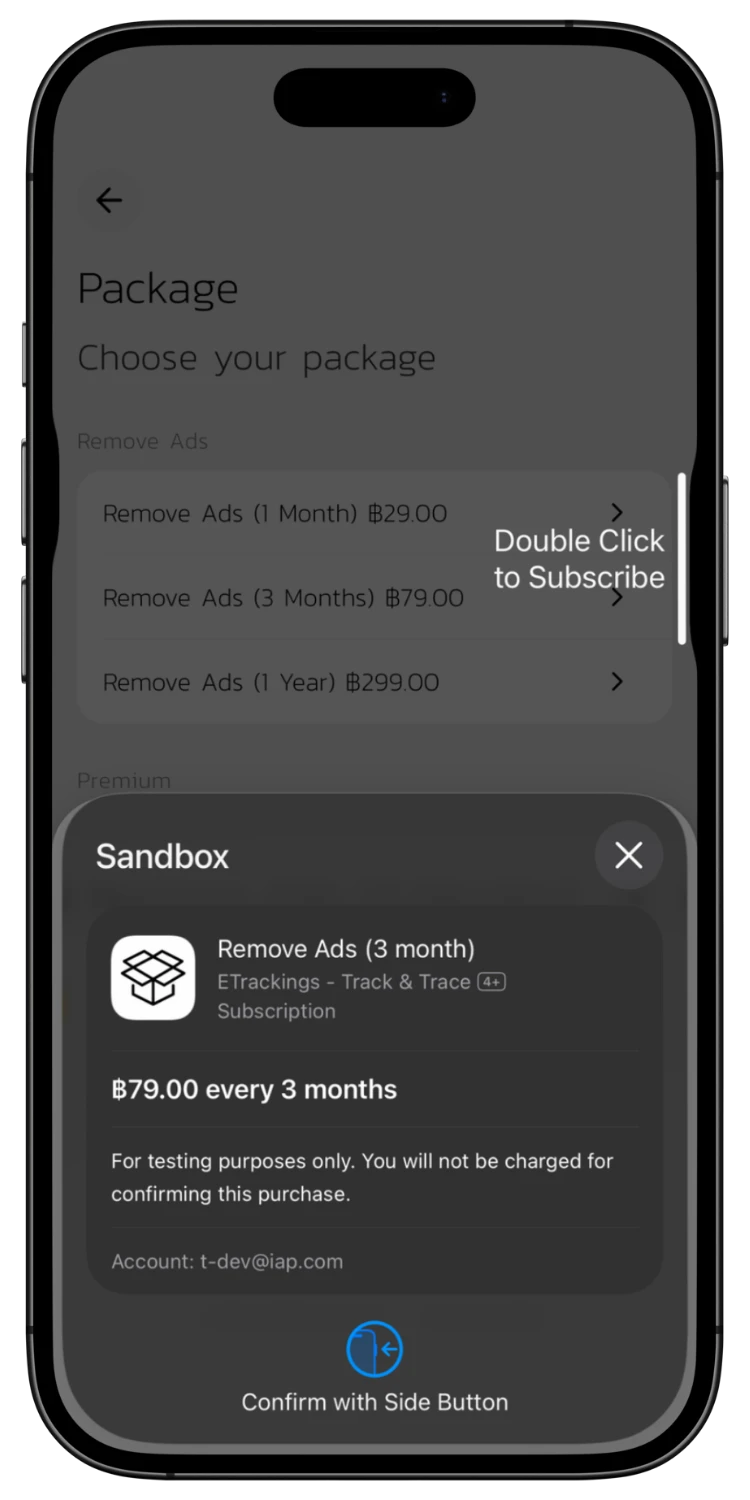
Tap purchase and confirm. On iOS, Double Click the side button. On Android, confirm through Google Play.
Payment Successful
07
Payment Successful
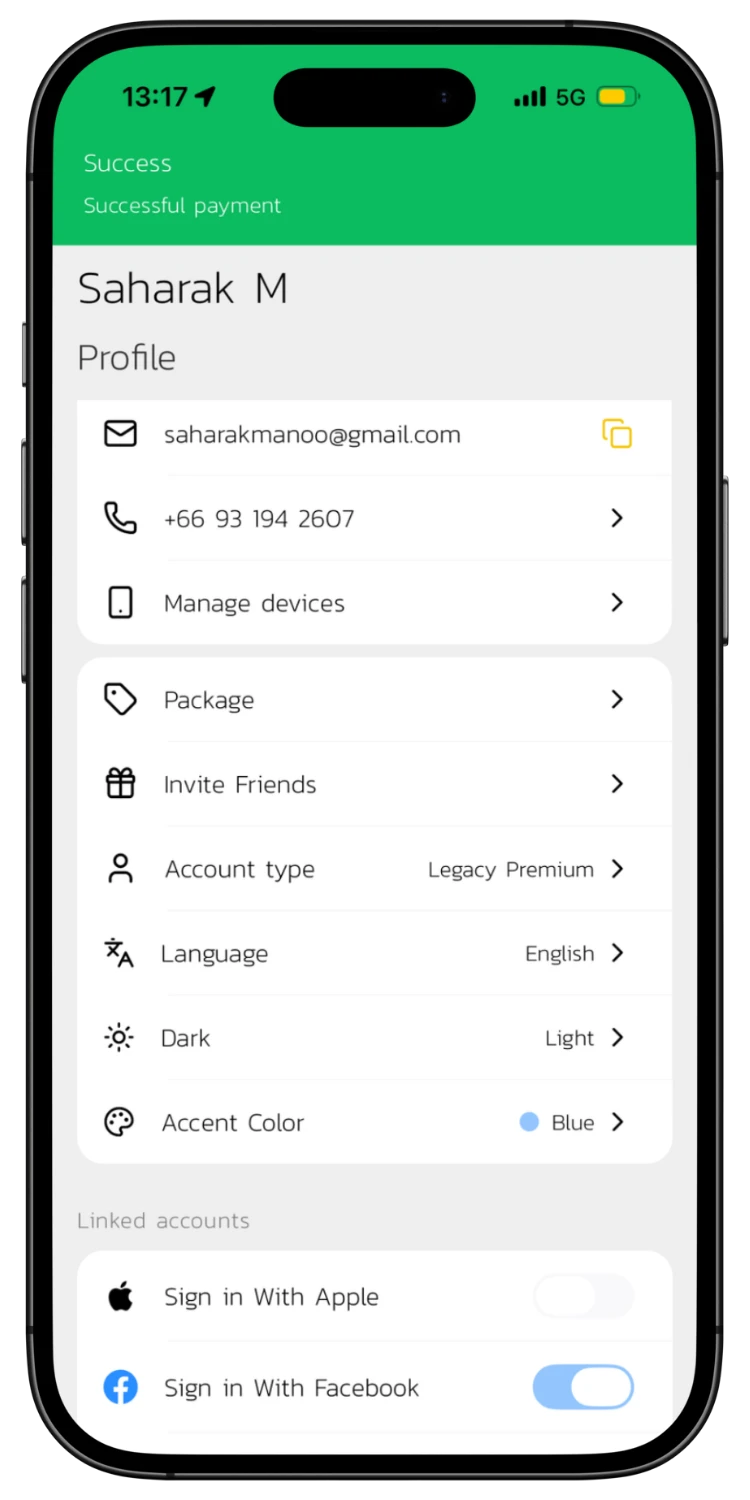
After payment, "Successful payment" appears on your Profile. Your account type changes to the selected package (e.g., Premium) instantly.
Check Account Status
08
Check Account Status
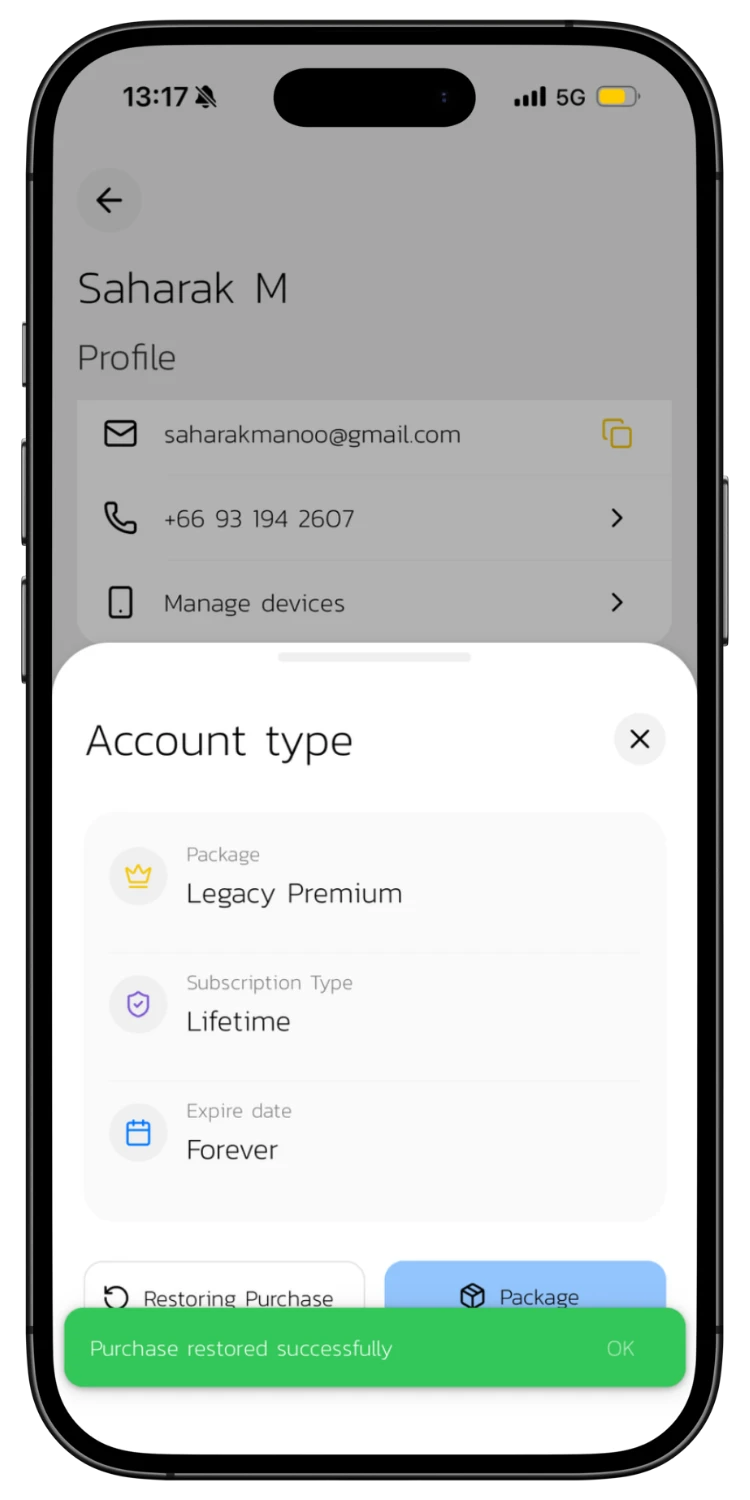
Tap Account type to view package details, subscription type, and expiry date. Tap Restoring Purchase to restore a previous purchase on a new device.
Payment Successful
09
Payment Successful
A flash message will confirm the payment was successful and your account type will change to the purchased package. If it doesn't change, follow the next step.
Restore Purchase
10
Restore Purchase
If you switch devices or reinstall the app, tap Account type then Restoring Purchase. The system will automatically restore your package, showing subscription type and expiry.

Download the App for a Better Experience!

Track your parcels easier with many special features

Consent to Personal Data

We use cookies to improve performance. and good experience in using your website You can study the details at Privacy Policy and Terms and Conditions

Privacy Preferences

You can choose cookie settings by on/off. Cookies of each type are available on request, except for essential cookies.

Necessary
Required for core functionality
Always On
Analytics
Help us improve our service
Always On