Track Parcels via Receipt Photo

Take a photo of your receipt and let the system read the tracking number automatically

213 views
Open Menu & Select Tracking
01
Open Menu & Select Tracking
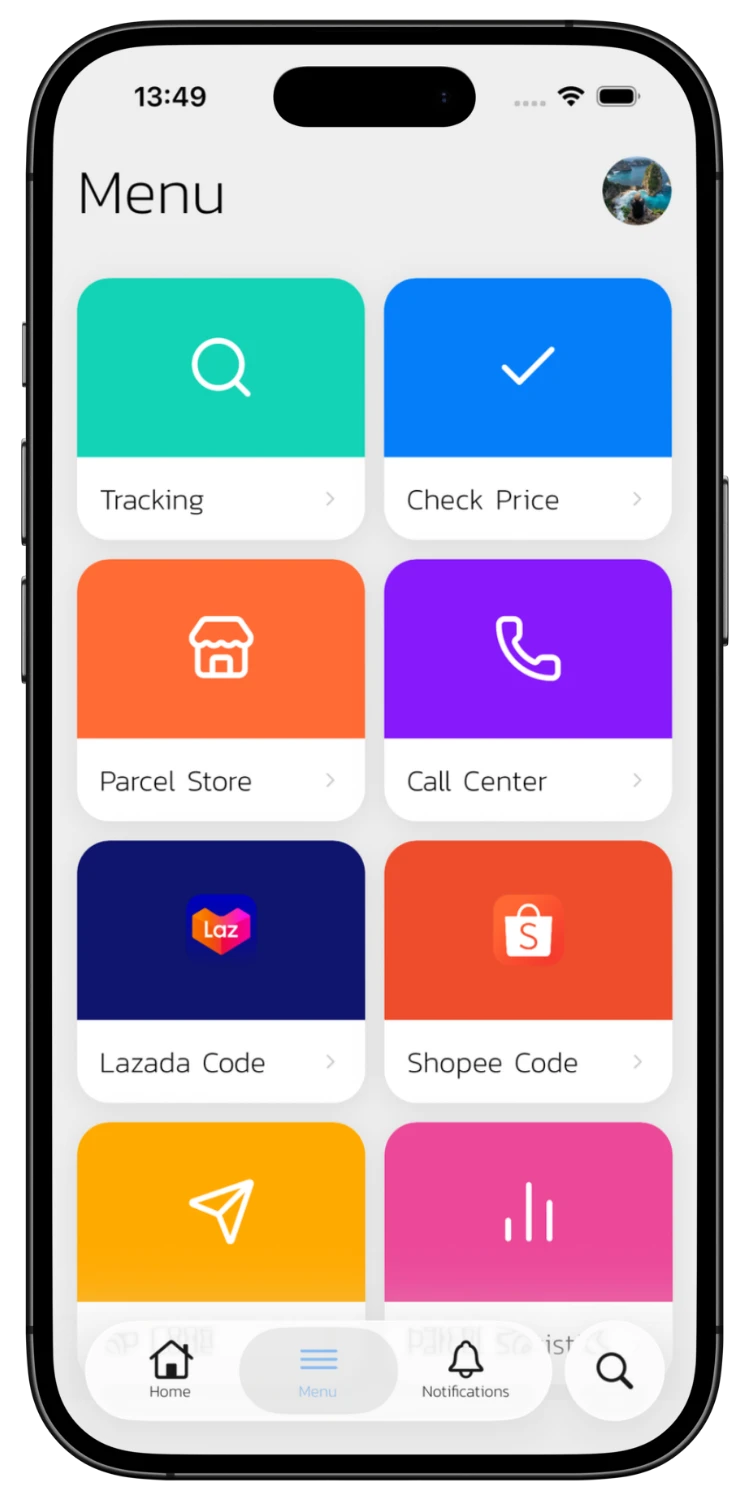
Open the ETrackings app and tap "Tracking" from the main menu to go to the tracking page.
Select a Courier
02
Select a Courier
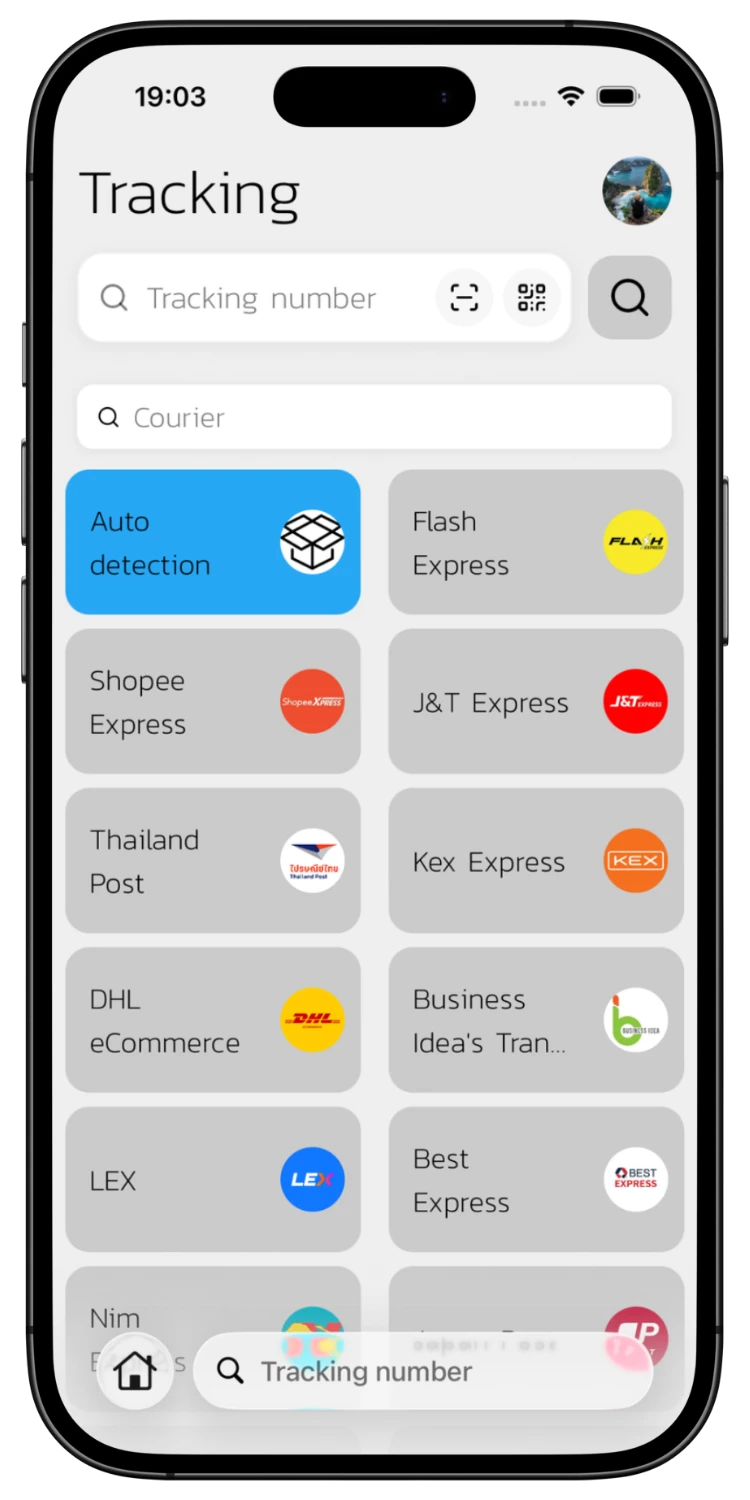
Choose the courier you want to search, such as Thailand Post, Flash Express, or J&T Express. You can also select "Auto Detection" to let the system identify it. Then tap the scan icon next to the search field.
Take Photo or Choose from Gallery
03
Take Photo or Choose from Gallery
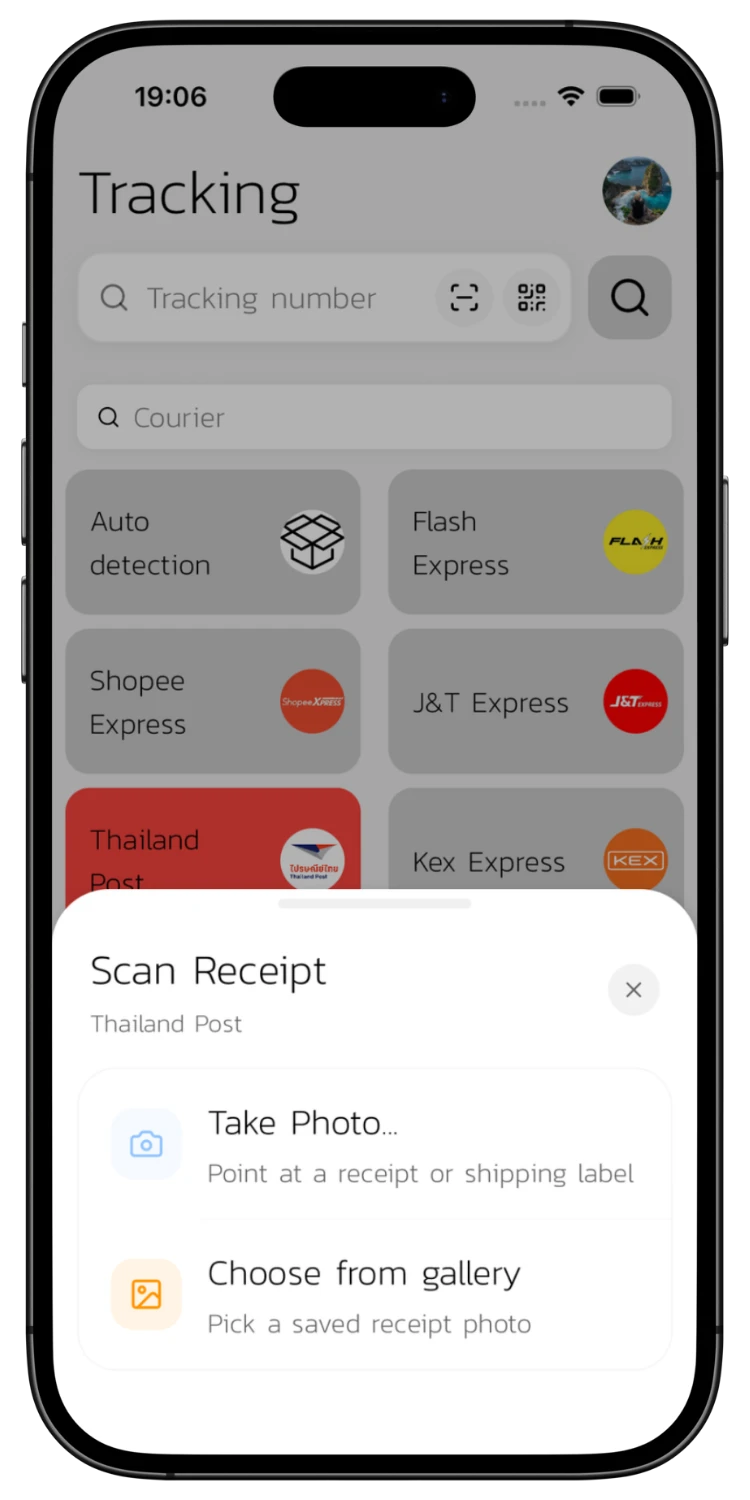
The Scan Receipt panel appears showing your selected courier. Tap "Take Photo" to photograph a receipt directly, or "Choose from gallery" to pick a saved photo.
Photograph the Receipt
04
Photograph the Receipt
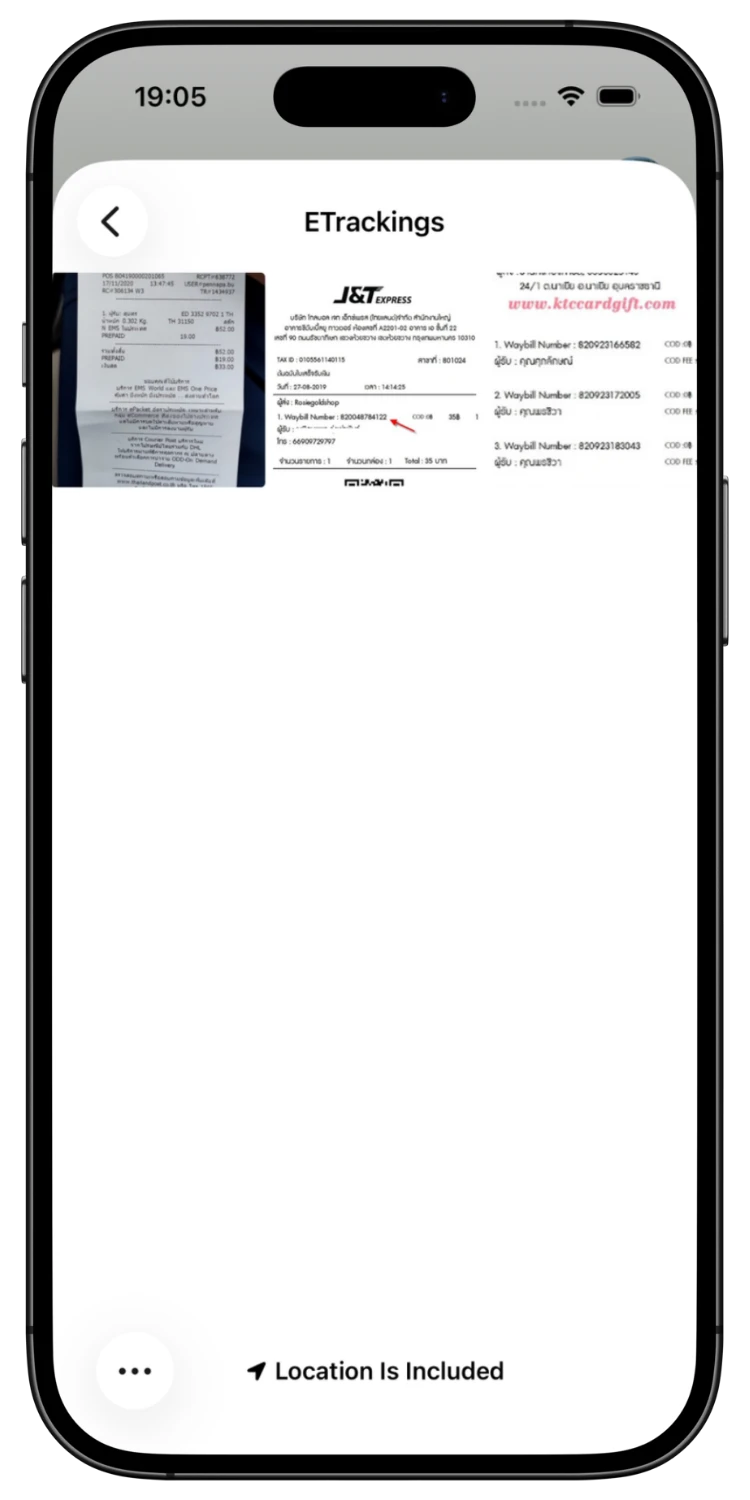
Take a photo of the receipt or any image containing tracking numbers. The system reads all tracking numbers from the image automatically.
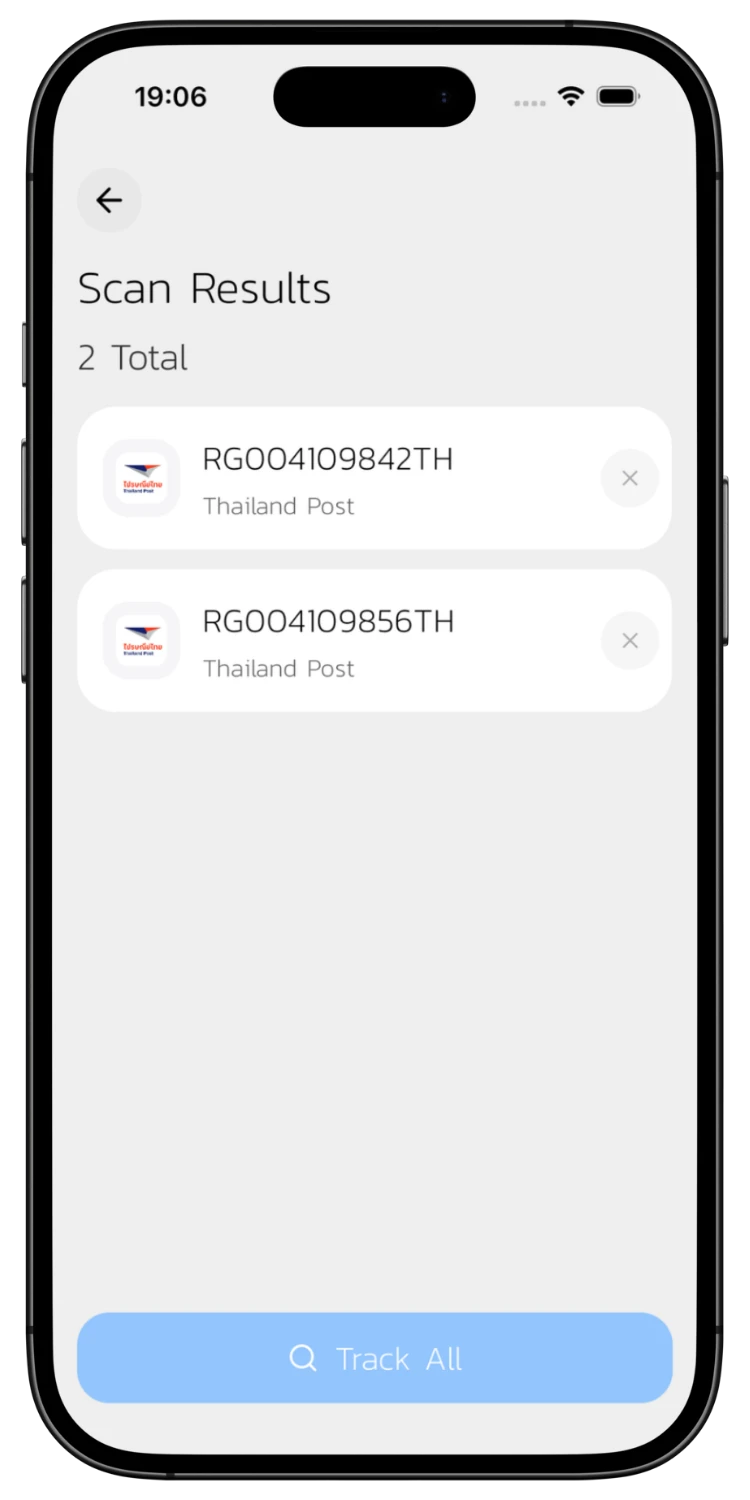
View Scan Results & Track All
05
View Scan Results & Track All
The system displays all detected tracking numbers with their courier names. Tap any number to view its details individually, or tap "Track All" to let the system look up every parcel automatically — no manual typing needed. Found parcels are saved to your search history for future status notifications.

Download the App for a Better Experience!

Track your parcels easier with many special features

Consent to Personal Data

We use cookies to improve performance. and good experience in using your website You can study the details at Privacy Policy and Terms and Conditions

Privacy Preferences

You can choose cookie settings by on/off. Cookies of each type are available on request, except for essential cookies.

Necessary
Required for core functionality
Always On
Analytics
Help us improve our service
Always On