How to Track Parcels

Step-by-step guide to tracking parcels from any courier with ETrackings app

226 views
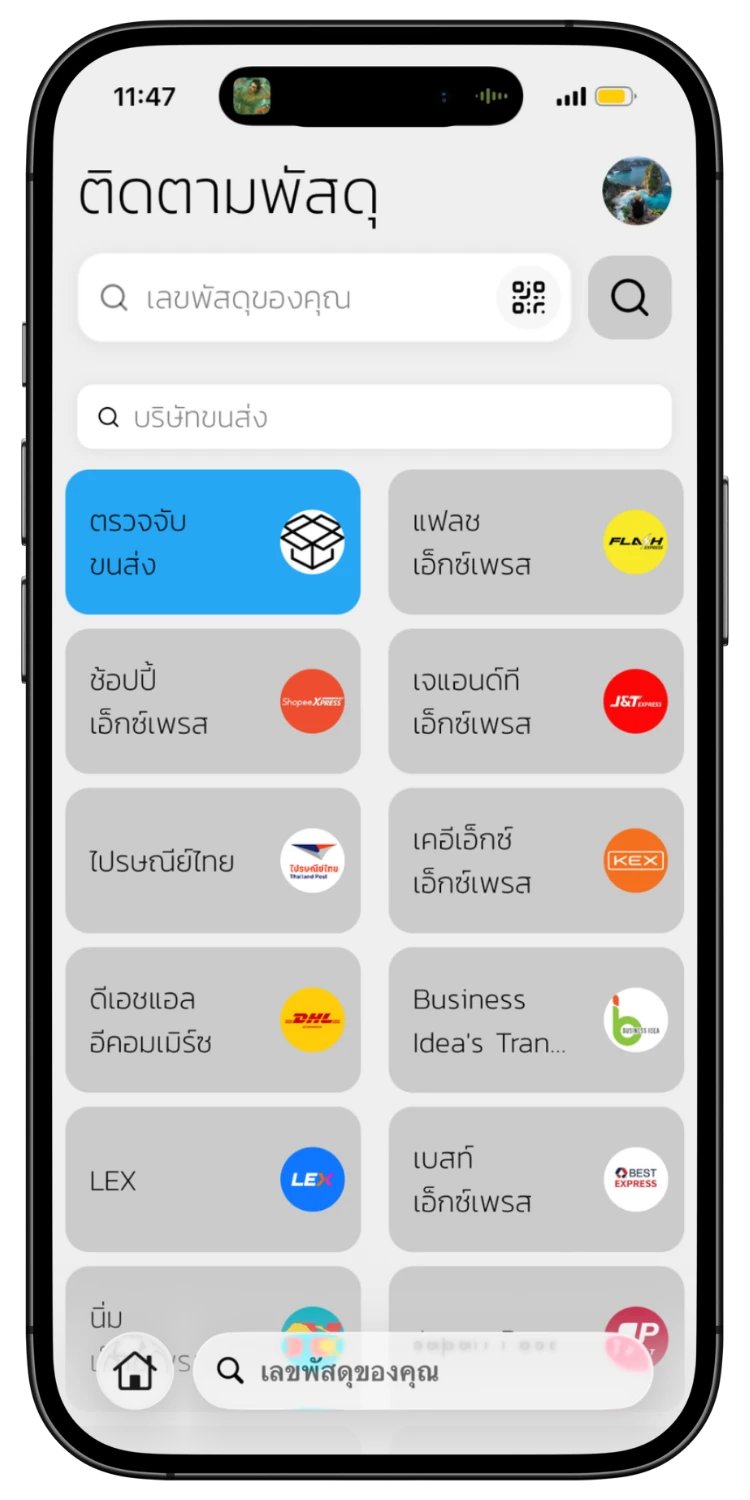
Open the App & Select Courier
01
Open the App & Select Courier
Open the ETrackings app to see the tracking page with all available couriers. Select the courier you want, or choose "Auto Detection" to let the system find it automatically.
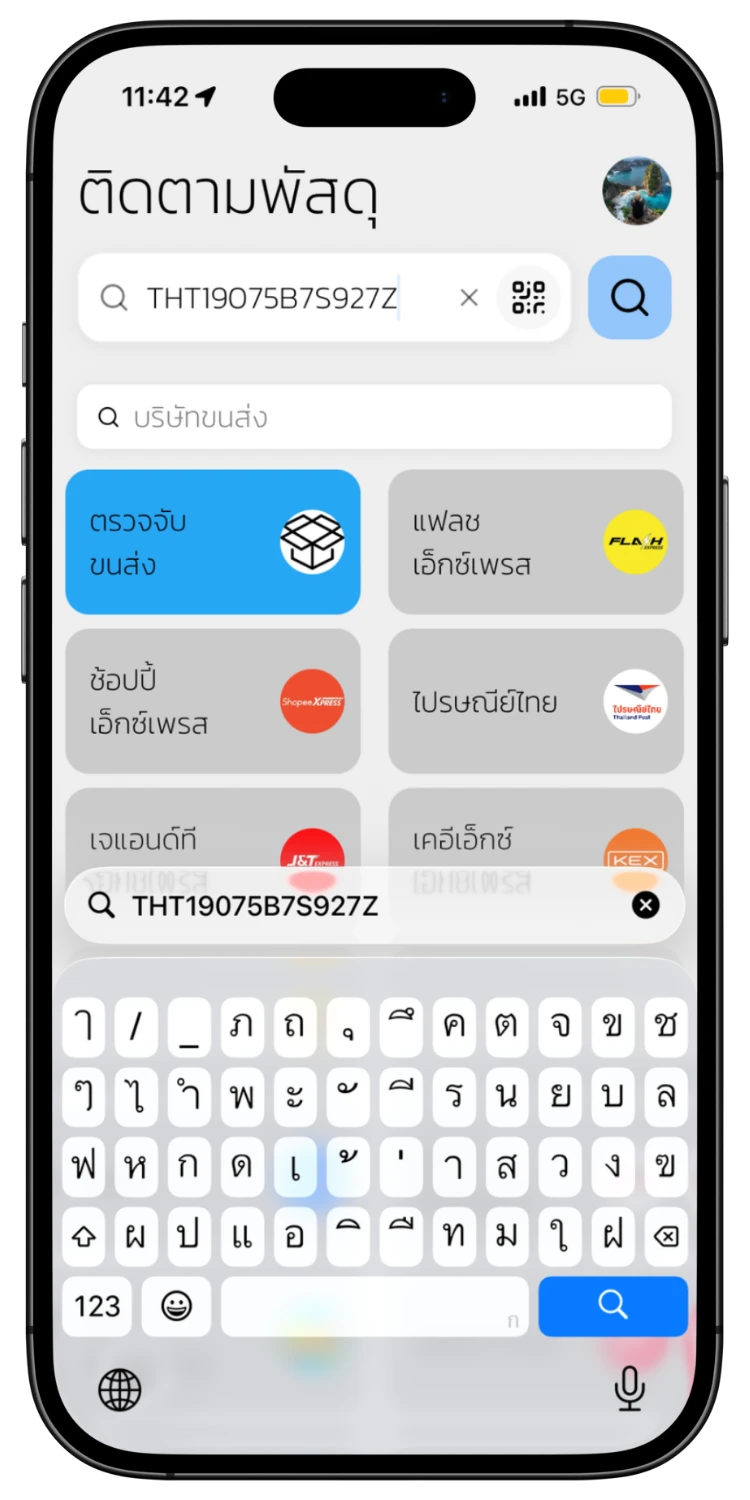
Enter Tracking Number
02
Enter Tracking Number
Type your tracking number in the search field and tap the search button. You can also scan a QR Code or Barcode directly.
View Tracking Timeline
03
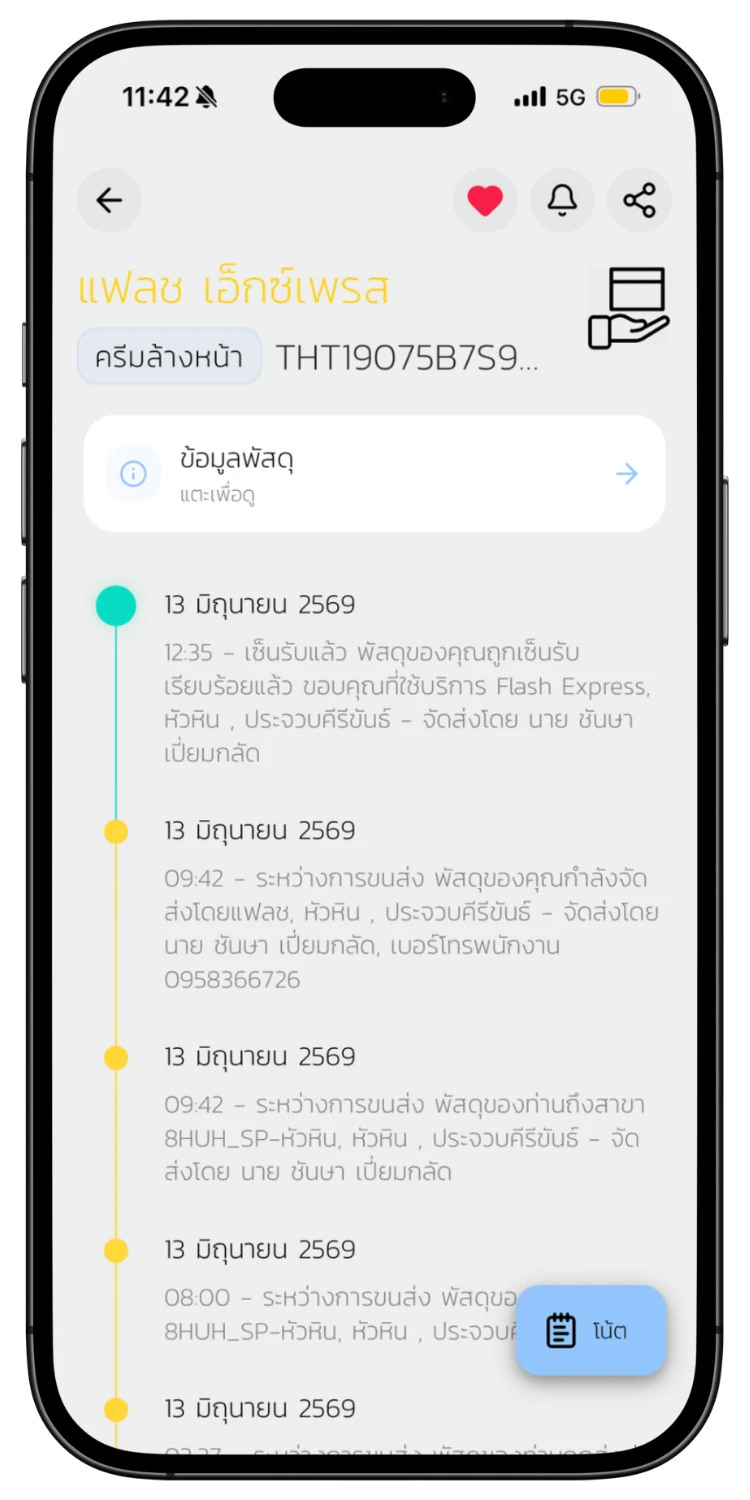
View Tracking Timeline
The system will display a full timeline of your parcel status from pickup to delivery, with dates, times, and details for each step.
View Parcel Details
04
View Parcel Details
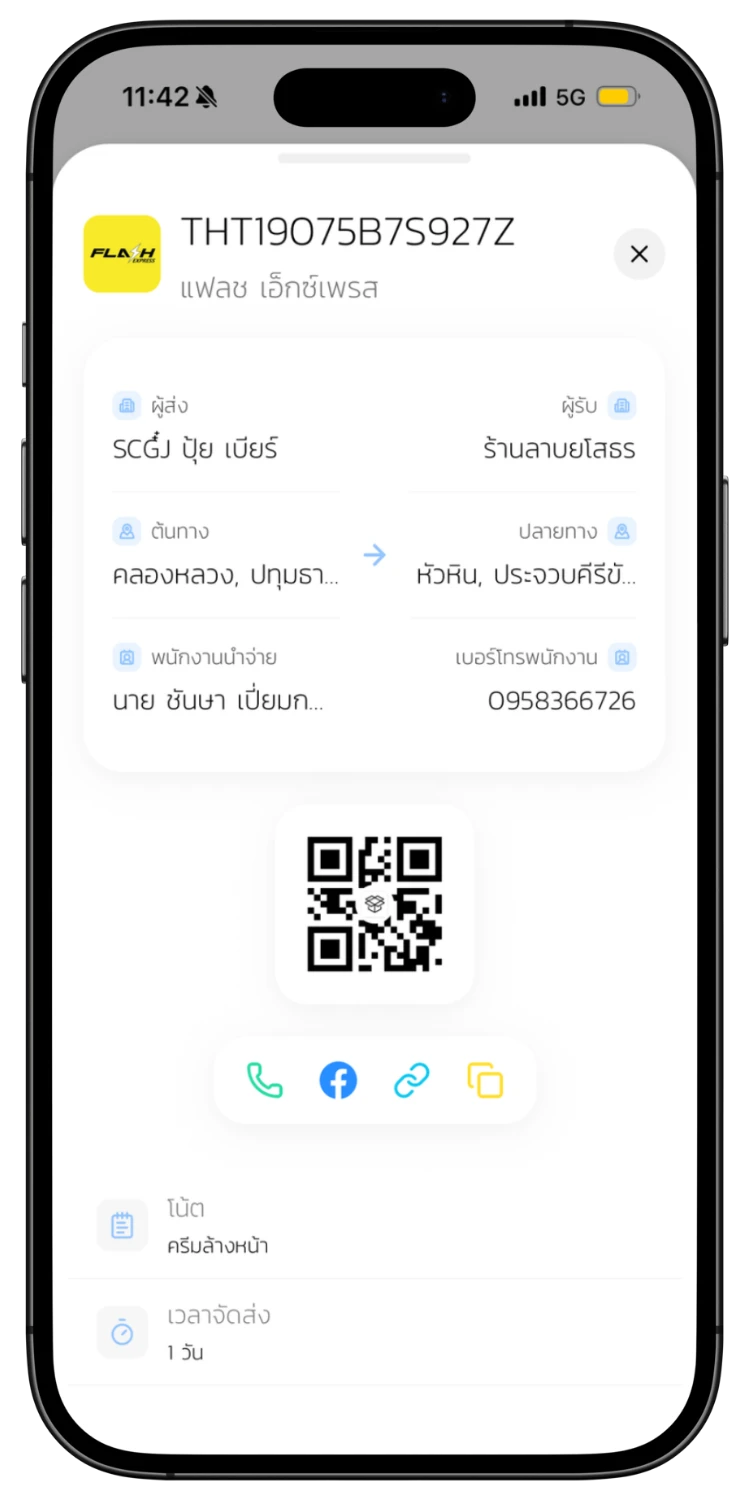
Tap to view more parcel info such as sender name, origin-destination, driver's phone number, and a QR Code for tracking.
Save Parcel Note
05
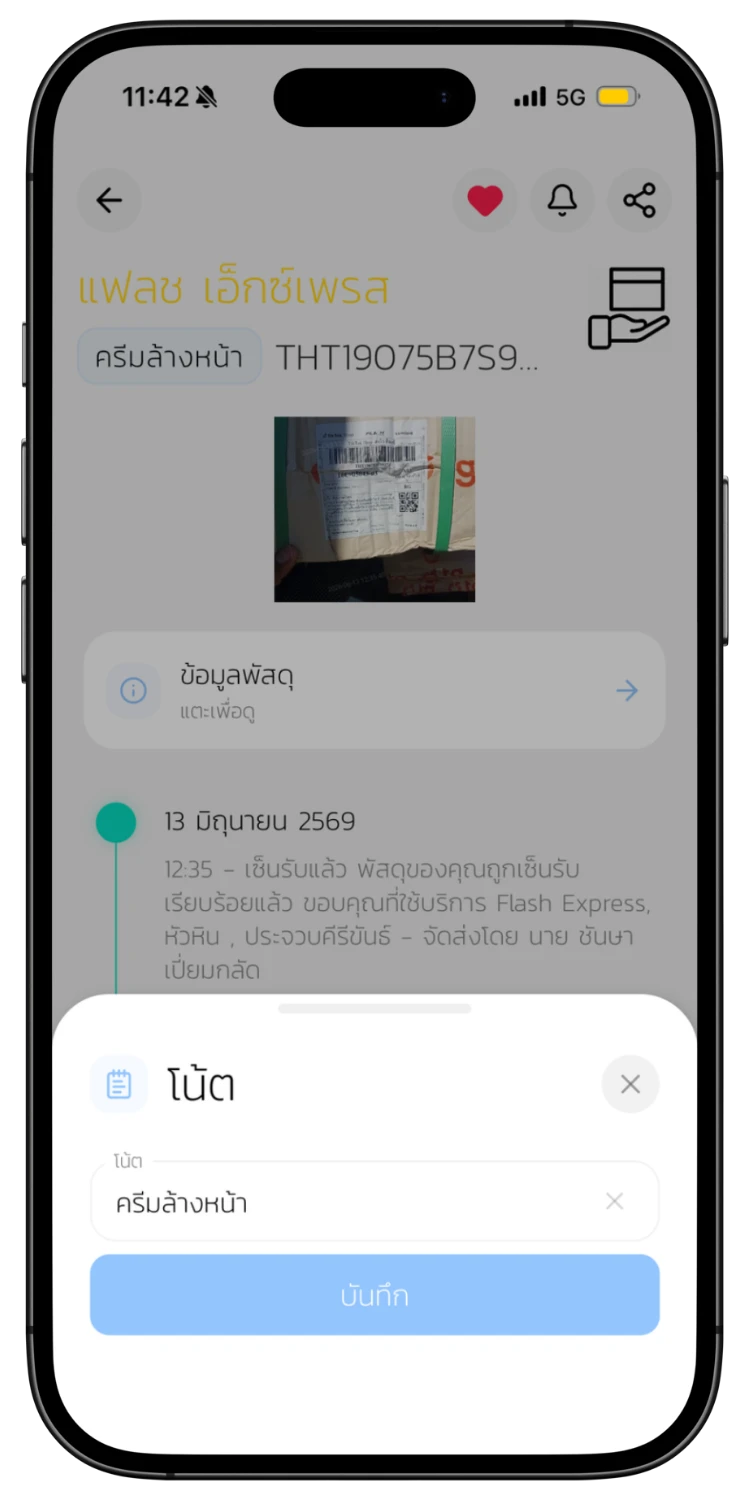
Save Parcel Note
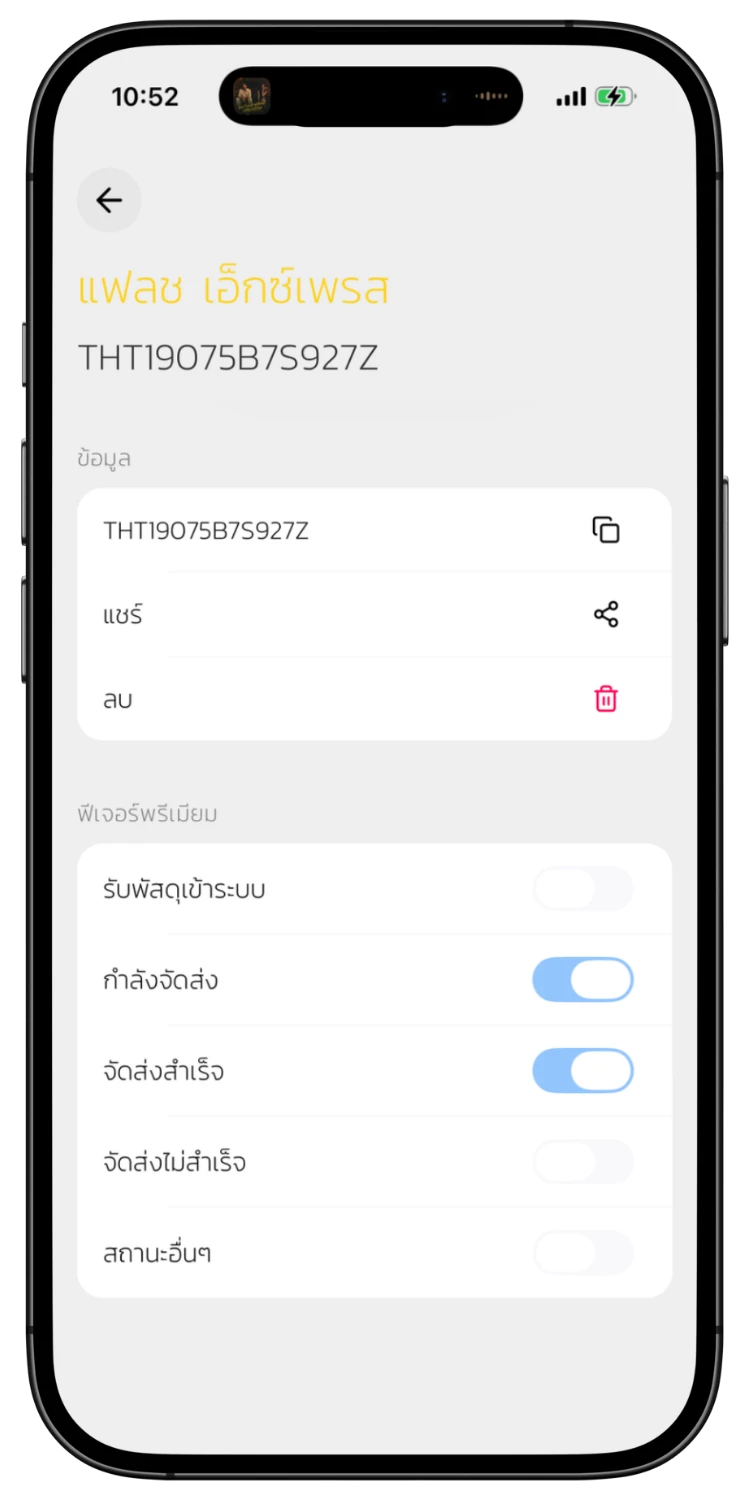
Tap save to bookmark this parcel. Give it a note name so you remember what it is. You can view saved parcels anytime.
Set Up Notifications
06
Set Up Notifications
Choose which status changes you want to be notified about — in transit, delivered, delivery failed, etc. The system sends push notifications automatically.
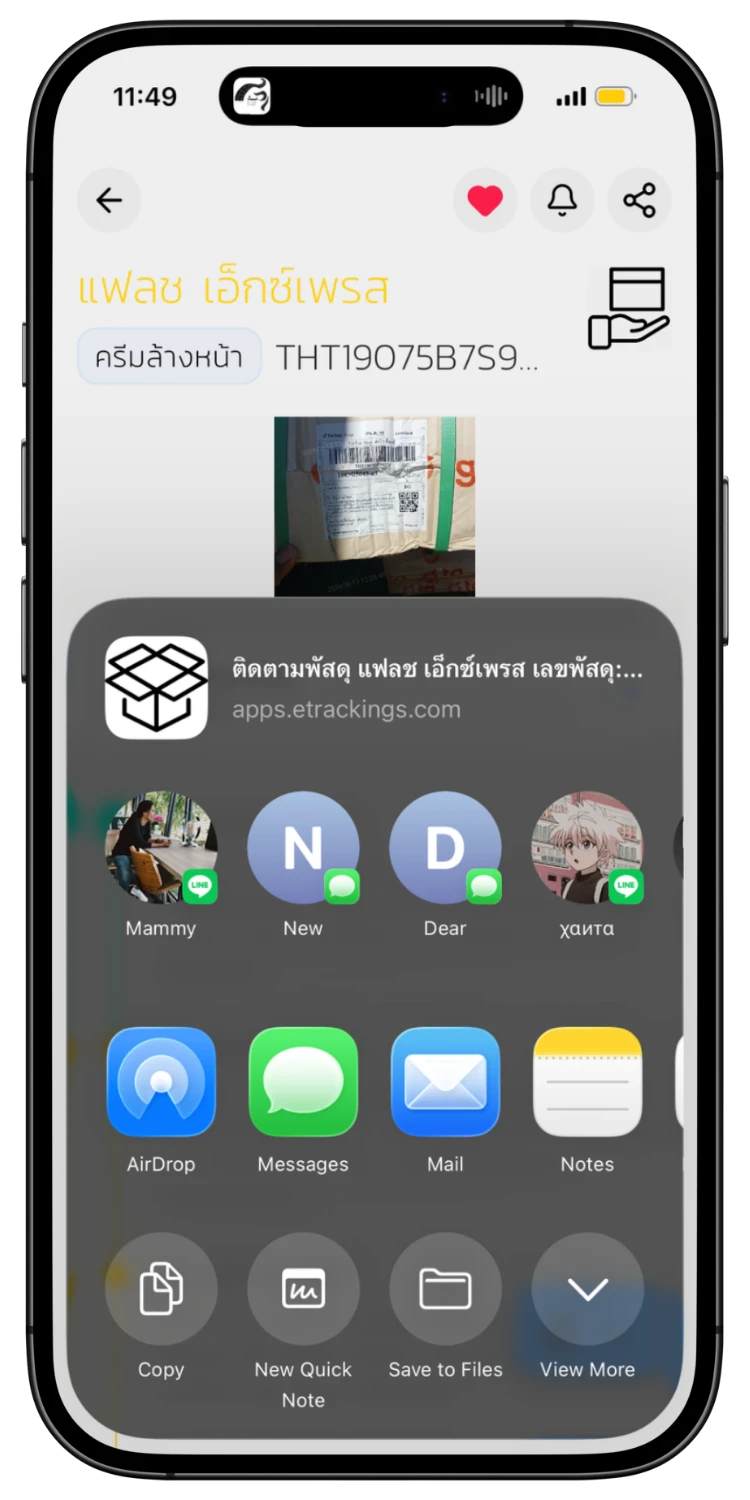
Share Parcel with Others
07
Share Parcel with Others
Tap the share button to send a tracking link to friends, family, or customers via LINE, Messages, or any other app.
Recipients View via Web
08
Recipients View via Web
People who receive the link can view parcel status on etrackings.com instantly — no app installation needed.
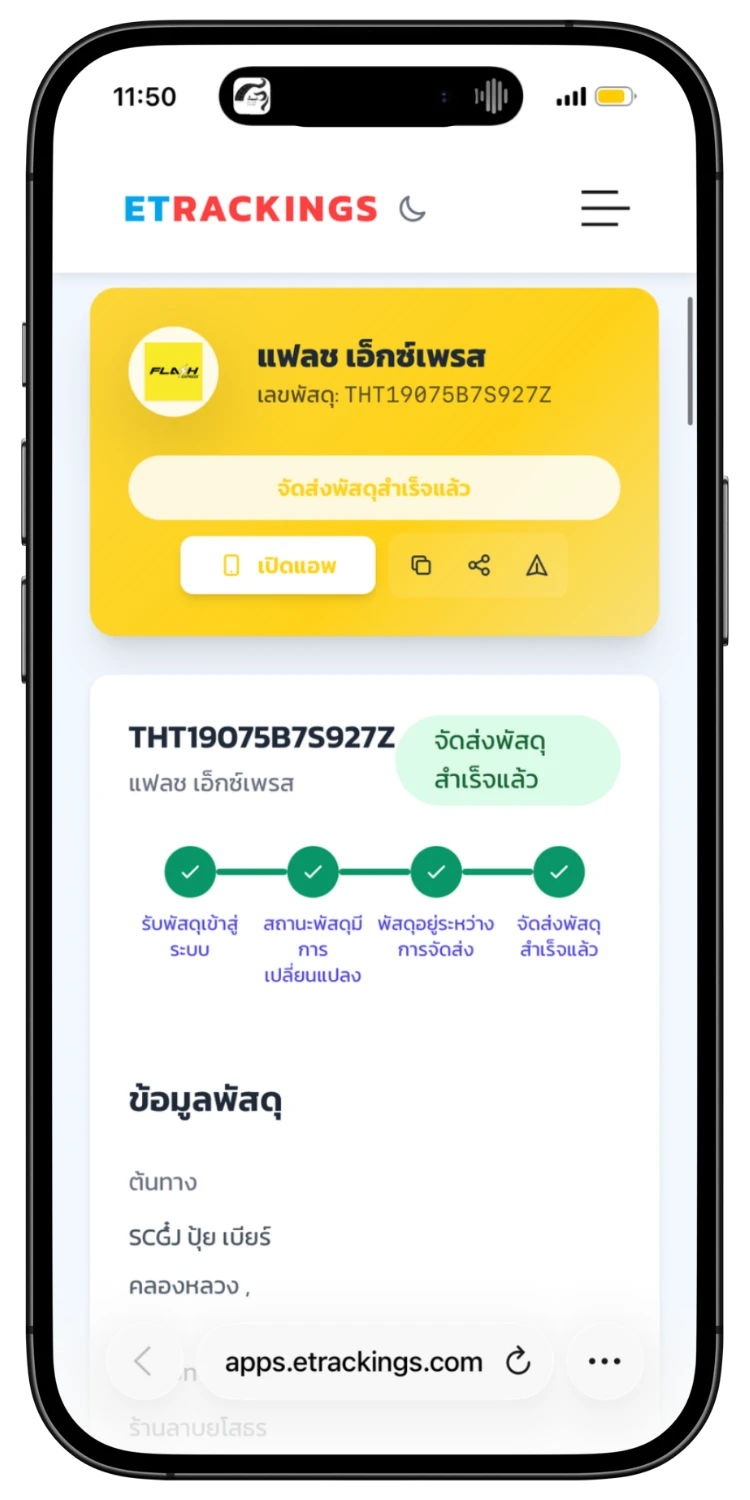
Track on the Web
09
Track on the Web
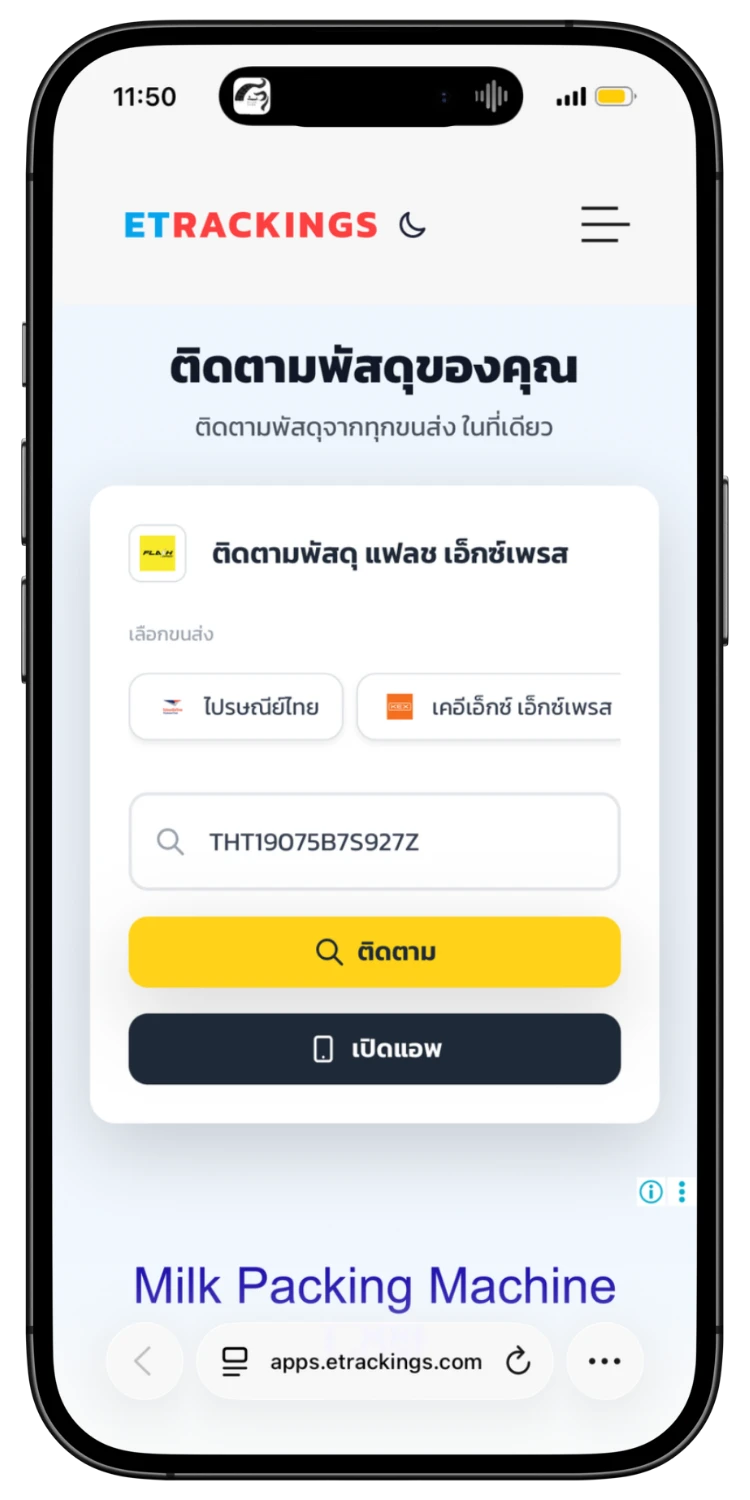
The website shows tracking results just like the app, with full status details and a button to open the app directly.
Open App from Link
10
Open App from Link
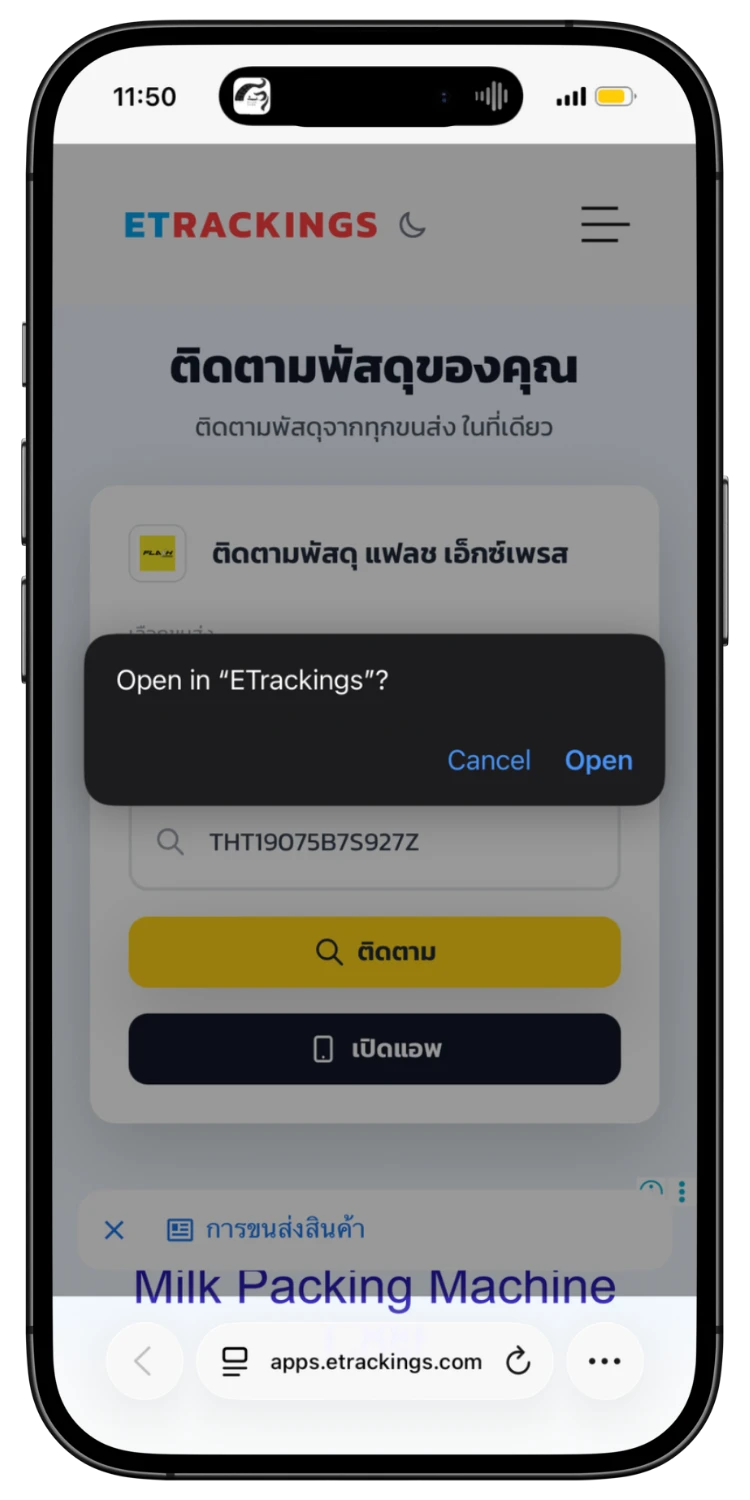
Tap "Open App" on the web to deep link into the ETrackings app directly, with the tracking number pre-filled.

Download the App for a Better Experience!

Track your parcels easier with many special features

Consent to Personal Data

We use cookies to improve performance. and good experience in using your website You can study the details at Privacy Policy and Terms and Conditions

Privacy Preferences

You can choose cookie settings by on/off. Cookies of each type are available on request, except for essential cookies.

Necessary
Required for core functionality
Always On
Analytics
Help us improve our service
Always On